Aesthetic Planner Canva KDP Interior That Works for You
Finding a planner that fits your life often means settling for pages you never use and missing the ones you really need. An Aesthetic Planner Canva KDP Interior changes that. It hands you a full toolkit of editable templates so you can build a personal planner, a client workbook, or a commercial product in minutes. Instead of starting from a blank screen, you work with carefully designed pages, adjust colors, fonts, and layouts inside a free Canva account, and export high‑resolution files ready for print or digital use.
What Makes This Planner Interior Different
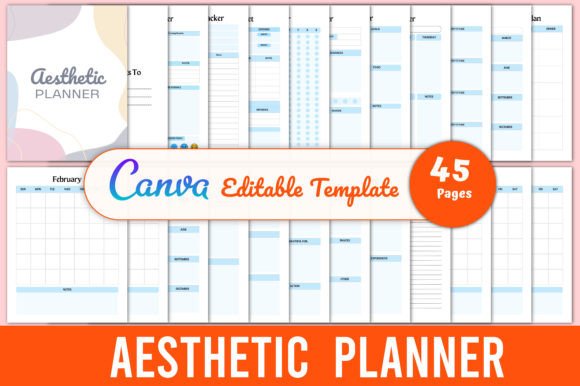
This isn’t just a pdf with a few dated calendars. The bundle includes 45 Canva templates delivered as editable links together with ready‑to‑use PDF, JPG, and PNG files. Every page sits on an 8.5×11‑inch canvas with no bleed and a crisp 300 DPI, so the output looks professional whether you print at home, send to a copy shop, or upload to a print‑on‑demand platform. The real power, however, is in how many planning styles it covers. Inside you’ll find everyday essentials like a daily planner, weekly planner, and monthly planner alongside habit and mood trackers, budgeting sheets, meal plans, and even travel‑specific layouts such as a packing list and a travel planner. Bucket lists, vision boards, gratitude logs, and self‑care journeys sit next to practical tools like a password tracker, a contact list, and a shopping list. That breadth lets you create a single cohesive system without hunting for mismatched printables across the web.
For the KDP Publisher or Content Creator
If you publish low‑content books on Amazon KDP, Etsy printables, or membership library assets, the Aesthetic Planner Canva KDP Interior speaks directly to your workflow. You receive fully editable templates that you can brand with your own color scheme, logo, and typography in a free Canva account—no expensive software needed. The 45 pages give you enough variety to mix and match for multiple products. Maybe you release a budgeting bundle that pulls together the debt payment tracker, monthly budget, and monthly saving tracker. Next month, you launch a wellness companion that combines the self‑care planner, habit tracker, daily gratitude, and self‑care journey pages. Because the files are print‑ready at 300 DPI with no bleed, you skip the technical formatting headaches and cut down on revision time. Creators often measure value in hours saved versus cost, and here the upfront investment quickly pays for itself when you can publish a new interior in a single afternoon.
Quick Commercial Uses
- Printables shop: Export individual pages as JPG or PNG and sell them as digital downloads on Etsy or Gumroad.
- Planner bundles: Combine 20–30 templates into a themed planner, add a cover, and upload to KDP.
- Lead magnets: Offer a free weekly meal plan or gratitude tracker to grow your email list.
- Client workbooks: Customize a project planner and goal planner for coaching clients or course students.
For the Busy Professional or Small Business Owner
You might not sell planners, but you still need a reliable way to organize projects, track expenses, and keep your team aligned. The editable Canva link means you can tailor the interior to your exact workflow. Drop your company logo onto a monthly calendar, create a branded project planner for a product launch, or build a shared birthday calendar so you never miss a team celebration. The contact list and password tracker become an admin hub, while the to‑do list and notes pages handle daily chaos. Because the templates live in Canva, you can update them on your phone while commuting or share a view‑only link with an assistant. Many small business owners particularly value the monthly budget and monthly saving tracker; they offer a gentle nudge to review cash flow without forcing you into complicated accounting software.
For the Creative Organizer and Planning Enthusiast
Paper planning is having a renaissance, and an aesthetically pleasing layout is often the motivator that keeps you coming back to the page. The Aesthetic Planner Canva KDP Interior delivers soft, modern designs that look cohesive side by side. You get functional pieces like the weekly planner, habit tracker, and reading log, but you also get spaces for dreaming: a vision board template, a bucket list, and a yearly events spread that invites you to map out adventures. If you love customizing, you’ll spend happy hours tweaking fonts and swapping background textures in Canva until every page feels like you. Even if you prefer a simpler approach, the ready‑to‑print PDFs are designed well enough to use straight away. The range of self‑care pages—self‑care planner, self‑care journey, daily gratitude—helps you build a wellness routine that lives on paper, away from screen fatigue.
For Educators, Coaches, and Facilitators
Guiding others means offering structure without overwhelming them. Pull pages like the goal planner, this month recap, and gratitude tracker to create a reflection journal for students or clients. The editable format lets you add prompts specific to your curriculum or coaching framework. You might design a weekly review packet that combines the weekly planner with a short self‑care check‑in, then email it as a PDF before a session. Because you control the design inside Canva, you can adjust the language and imagery to match the age group or cultural context of your audience. The travel planner and packing list can even transform into a fun activity for language classes or youth groups planning a trip.
How Different Priorities Shape Your Choice
Ease of use is often the top factor for someone new to Canva or KDP. The templates remove the design learning curve, and the included PDF and image files mean you can start using them immediately without ever opening the editor. Flexibility matters more to experienced creators who already have a brand identity; the editable Canva link gives them full control to rearrange elements, swap colors, and add their own illustrations. Cost‑conscious buyers compare the price of this bundle against buying individual templates or hiring a designer—45 print‑ready pages for a single payment often looks far more attractive. Quality shows up in the 300 DPI resolution and the no‑bleed setup, which prevents that amateurish clipped‑edge look. Commercial value depends on how many unique products you can spin from the same core set; here the wide template variety multiplies licensing potential. And long‑term usefulness flows from owning an editable master file you can revisit year after year, updating dates or adding fresh cover designs without starting from scratch.
If You’re New to Canva
Open the provided link, make a copy, and start with the ready‑to‑print PDFs. Print the monthly planner and habit tracker to get a feel for the layouts. When you’re ready, try changing a single color in the daily planner to match your desk accessories. Small wins build confidence, and because Canva auto‑saves, you won’t lose your original files. The included JPG and PNG files are also useful if you simply want to drop a page into a word processor or a note‑taking app.
If You’ve Used Canva Before
You’ll likely jump straight into branding. Set your brand kit colors and fonts in Canva, then apply them across multiple pages at once using Canva’s styles feature. Build a master planner by dragging your favorite templates into one document—perhaps starting with a vision board, followed by the yearly events, then monthly calendars, and finishing with the weekly meal plan and grocery list. Export the full document as a PDF for digital use or as individual JPGs for a printable shop listing.
If You’re Launching a Product Line
Begin by mapping your product mix. The Aesthetic Planner Canva KDP Interior naturally breaks into themed collections: a finance pack (debt payment tracker, monthly budget, monthly saving tracker, shopping list), a wellness pack (self‑care planner, daily gratitude, habit tracker, self‑care journey, bucket list), a productivity pack (project planner, daily planner, weekly planner, to‑do list, notes) and a travel pack (packing list, travel planner, bucket list, contacts). Design a consistent cover for each, and you have multiple listings from one template bundle. Many publishers also use the reading log, birthday calendar, and this month recap to round out smaller niche books that cater to specific audiences like book clubs or family organizers.
Making the Most of the 45 Templates
With so many pages, it helps to have a quick overview of how they support different needs:
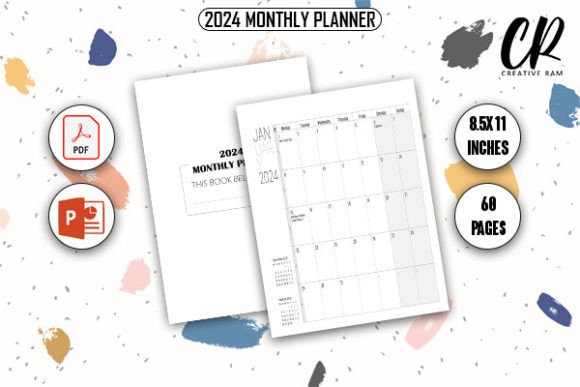
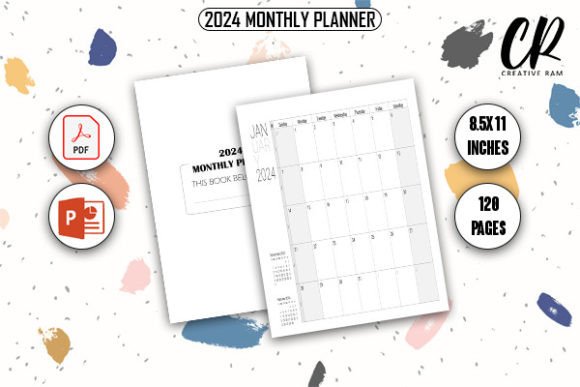
- Everyday organization: Daily planner, weekly planner, monthly planner, monthly calendar 2 unique page, to‑do list, notes, contact list, password tracker.
- Money management: Monthly budget, debt payment tracker, monthly saving tracker, shopping list.
- Goals and growth: Goal planner, project planner, vision board, bucket list, reading log.
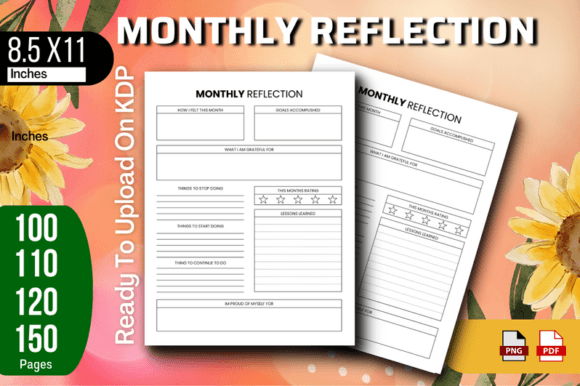
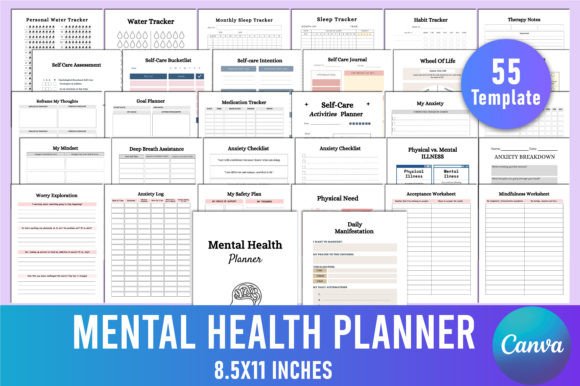
- Wellness and reflection: Habit tracker, gratitude tracker, daily gratitude, self‑care planner, self‑care journey, this month recap.
- Food and home: Weekly meal plan, grocery list.
- Travel and events: Travel planner, packing list, birthday calendar, yearly events.
- Bonus pages: Belongs to page, thank you page to personalize your planner.
Because every template is editable, you can repurpose a spread. The travel planner might become a seasonal bucket list, while the weekly meal plan works equally well as a fitness meal prep tracker with a few text tweaks. The packaging list can extend to a moving‑day checklist. When you own the editable file, each page can evolve with your changing needs.
What to Look for When Choosing a Planner Interior
Focus on versatility, print quality, and how easily the design adapts to your environment. Check that the page size (8.5×11 inches) matches your intended printer or KDP trim size. Verify that the file formats—editable Canva link, PDF, JPG, and PNG—cover your intended use cases. Ask whether the art style feels cohesive enough that pages won’t clash if you bind them together. The Aesthetic Planner Canva KDP Interior was built to satisfy all of these checks: the no‑bleed, 300 DPI setup protects you from trim errors, the Canva link keeps you agile, and the range of page types means you aren’t forced to buy additional packs to fill the gaps.
Whether you’re a creator looking to expand your digital product line, a professional chasing a more organized week, or someone who simply loves a beautiful paper system, an editable planner interior puts the decisions in your hands. You decide which pages matter, how they look, and where they end up—inside a bound planner, a digital tablet, or a customer’s mailbox. The right toolkit doesn’t just give you templates; it gives you the freedom to shape a planning experience that actually fits.